
Industry — Schools
Asset Tags for Schools
School asset registers are difficult to keep accurate because equipment moves between classrooms, laboratories and departments, and because several people share responsibility for it. Tagging gives every item a fixed identity that survives those movements, so a register entry always points to one physical object.
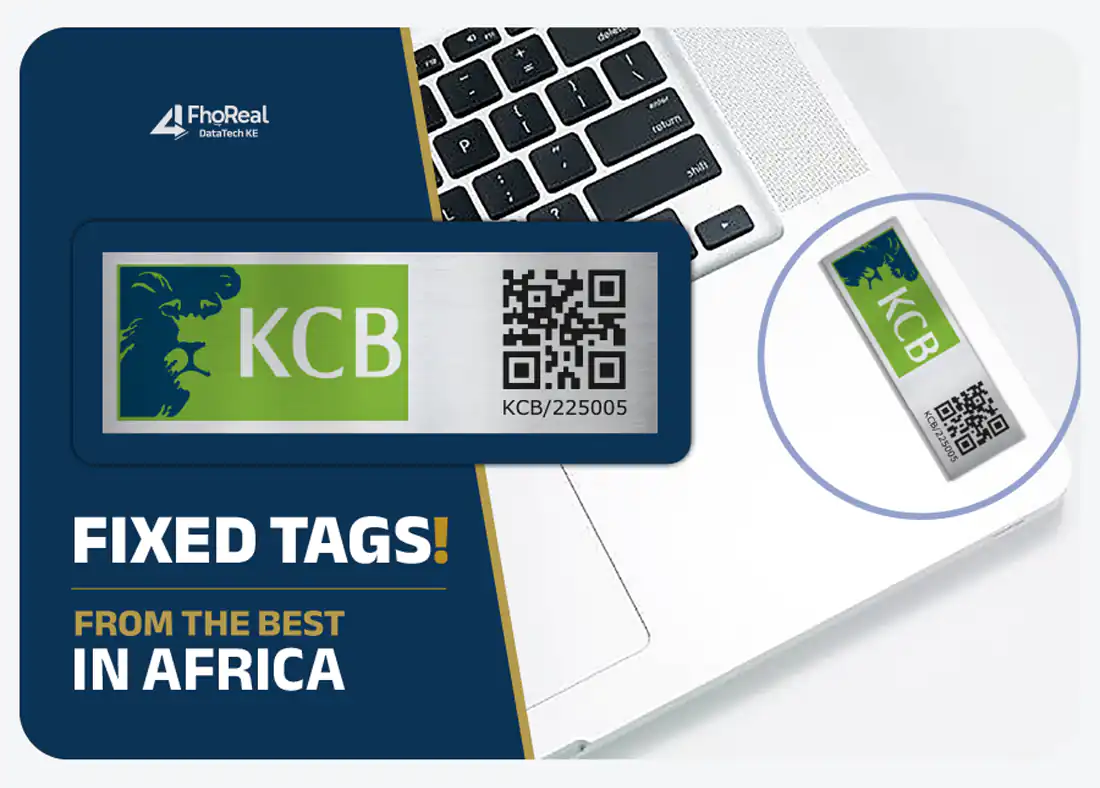
What gets tagged
Assets typically tagged
- Desktop computers, laptops and tablets in the computer laboratory
- Projectors, screens, printers and photocopiers
- Desks, chairs, lockers and cabinets
- Science laboratory apparatus and instruments
- Library shelving and reading furniture
- Kitchen and dining equipment
- Sports and games equipment
- Generators, water pumps and workshop tools
Numbering
Structuring the numbers
A common school convention is a department prefix plus four digits — for example ICT-0001 for the first computer-laboratory item — with the digit count kept constant so the register sorts predictably.
For a fuller method, see how to number company assets.
Practical considerations
What matters when tagging in schools
Tag by room, number by department
A prefix that reflects the department — ICT, LAB, LIB — makes a physical check faster than a plain sequence, because a reader can tell at a glance whether an item is where it should be.
Choose durability over size on furniture
Desks and chairs take rough handling. A metal tag with rivet or screw fixing holds up better than an adhesive paper label on a painted or timber surface.
Plan for termly verification
If stock is checked each term, a barcode on the tag turns a long manual count into a scanning exercise that a small team can complete quickly.
Keep the number visible when in use
On computers and projectors, place the tag where it can be read without unplugging or lifting the equipment.
Process
A typical tagging exercise in schools
- Walk each department and list asset types, quantities and surfaces before any numbers are assigned.
- Agree a department prefix and a fixed digit count, then record who owns each prefix.
- Order one numbered run per department with a small margin for items bought during the year.
- Apply tags at the start of a term, update the register as each tag goes on, and spot-check a sample of rooms.
Avoid
Mistakes worth avoiding
- Tagging only computers and leaving furniture and laboratory equipment untracked.
- Reusing a number after an item is written off, which makes old records ambiguous.
- Putting tags on lids, trays or other parts that are swapped between items.
Recommended formats
Tag formats that suit this sector
Aluminium Asset Tags
Durable numbered tags for long-service equipment and furniture.
View detailsBarcode Asset Tags
Faster verification where assets are counted by scanning.
View detailsQR Code Asset Tags
Phone-readable tags for inspection and maintenance workflows.
View detailsAsset Tagging Services
Numbering, specification and identification set up end to end.
View detailsFAQs
Schools — questions
What is the best asset tag for school computers?
A compact aluminium tag with an asset number, and a barcode where the school verifies stock by scanning. It sits on a flat part of the casing and stays readable through cleaning and daily use.
Can school furniture be tagged with the same system?
Yes. Furniture is usually tagged with the same numbering convention but a more robust fixing, since desks and chairs are moved and cleaned frequently.
How often should a school verify its tagged assets?
Most schools check once a term or at least annually, ideally before the audit. A barcode on the tag lets a small team count a room in minutes instead of reading every number by eye.
Other sectors
Get started
Ready to specify your asset tags?
Send your asset types, quantity and numbering requirements and we will prepare a quotation against your specification.