
Asset Tag Product
Barcode Asset Tags
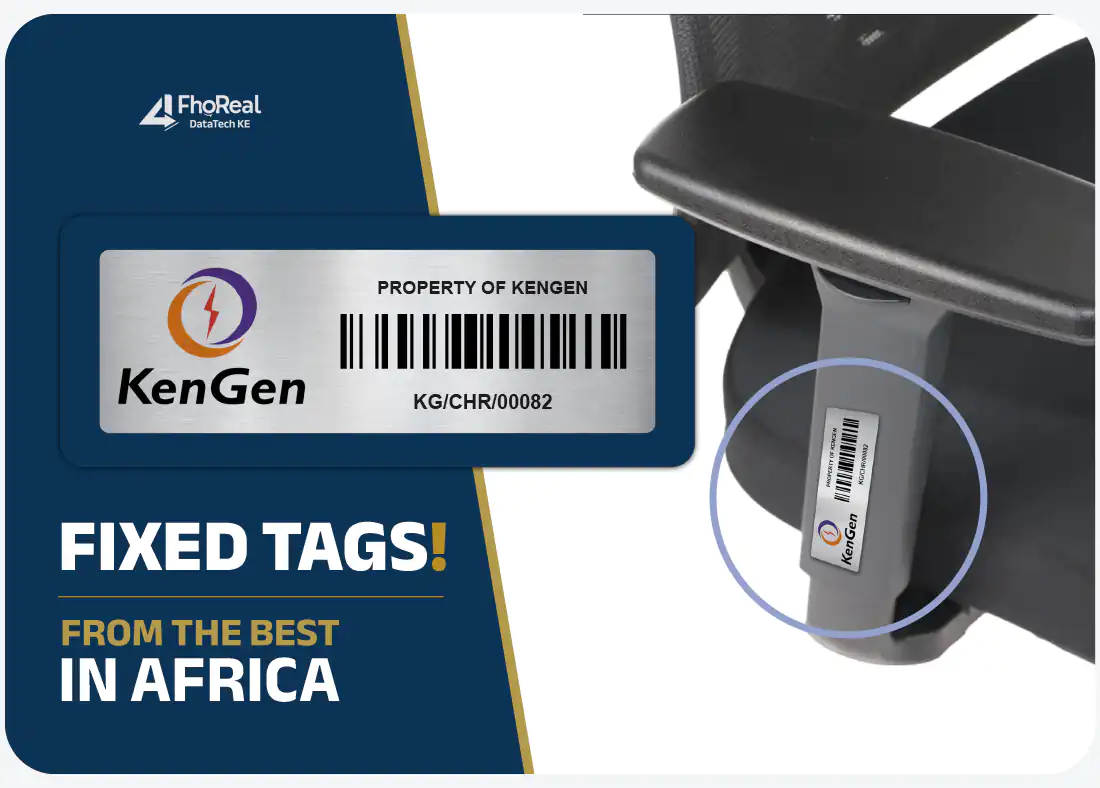
A barcode asset tag carries a machine-readable code that represents the asset's unique identifier. Instead of reading and typing a number during a verification exercise, a team member scans the tag and the identifier is captured exactly as it appears in the register.
Key benefits
Why organisations choose barcode asset tags
Faster physical audits
Scanning removes the slowest part of an asset count — reading a number aloud and typing it — which shortens verification exercises considerably on large asset bases.
Fewer transcription errors
Manually keyed numbers are the usual source of mismatched register entries. A scanned code is captured as encoded.
Works with your existing register
The barcode encodes the identifier you already use, so tags can be produced to match numbers held in a spreadsheet or an existing asset system.
Human-readable fallback
The number is printed under the barcode, so an asset can still be identified when a scanner is unavailable or a code is obstructed.
Applications
Typical applications
- Annual and interim fixed-asset verification
- ICT equipment registers
- Stores and warehouse equipment control
- Departmental asset transfers
- Maintenance and service history lookups
- Insurance and audit documentation
Identification options
What the tag can carry
- Linear barcode encoding your asset number
- Human-readable number printed below the code
- Optional prefix for site, department or category
- Organisation name or short form
- Optional QR code on the same tag
Specification
Technical specification
Configurable fields are agreed with you before production. Values shown as configurable or confirmed at quotation are not fixed until your specification is approved.
| Material | Aluminium or metal |
|---|---|
| Barcode symbology | Confirmed at quotation to match your scanners |
| Encoded data | Your asset identifier |
| Human-readable number | Included |
| Numbering | Sequential or custom format |
| Size | Configurable — must allow adequate quiet zone |
| Finish | Configurable |
| Mounting | Configurable |
| Minimum quantity | Confirmed at quotation |
| Production time | Confirmed at quotation |
| Delivery | Kenya |
Gallery
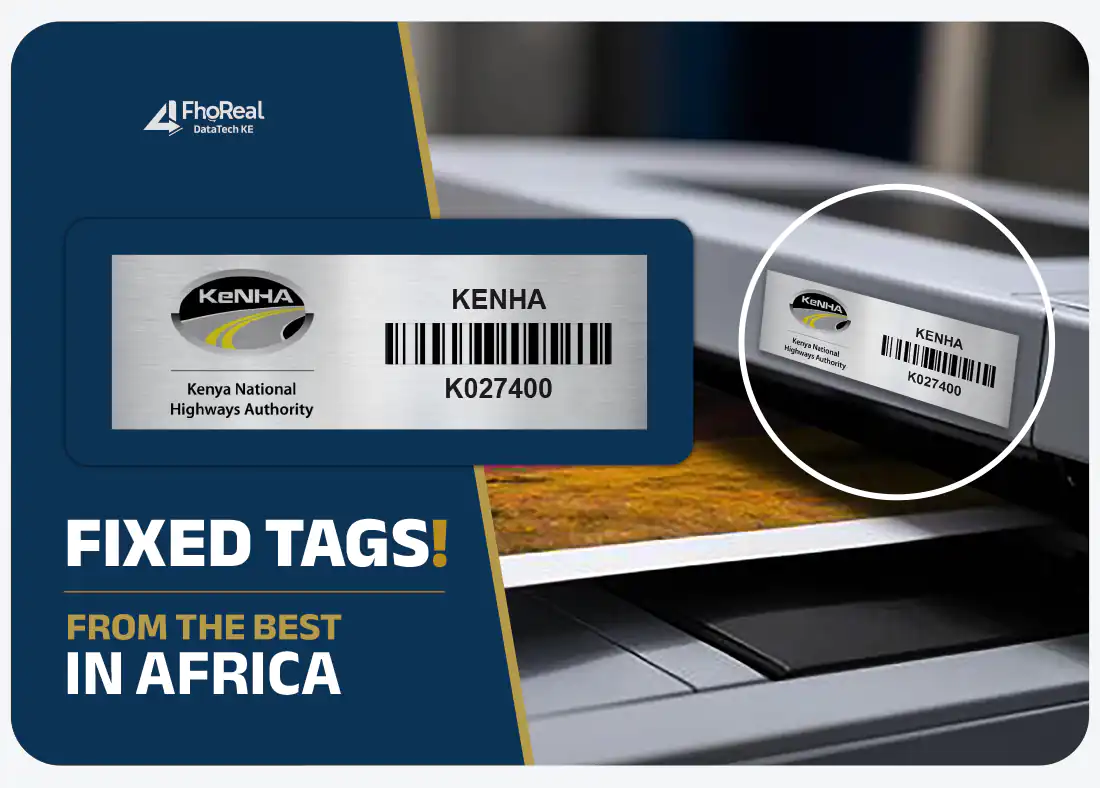
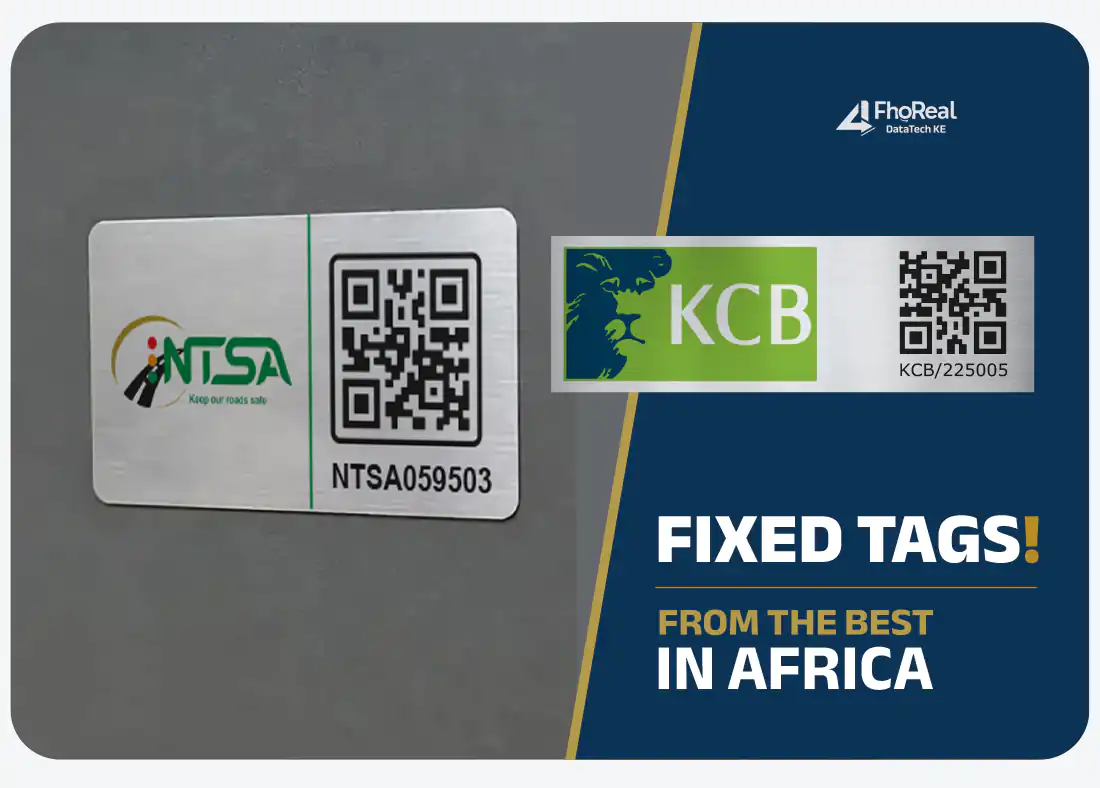
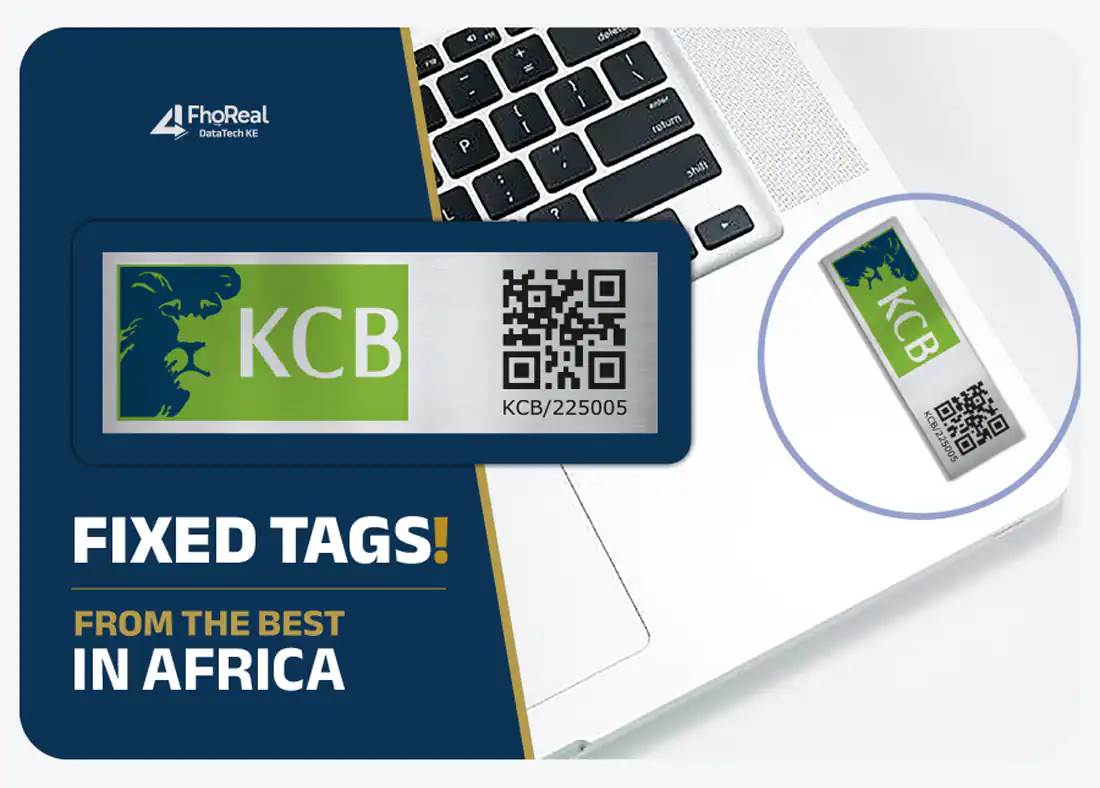
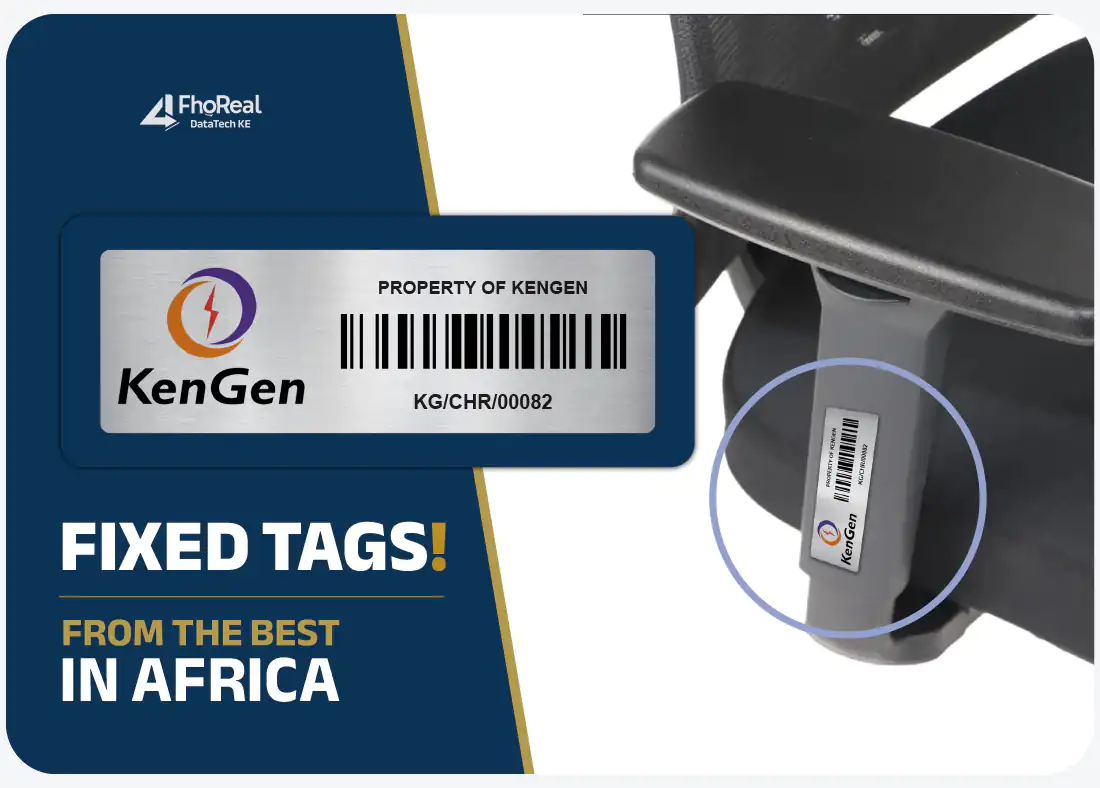
Asset tags in application
Reference images showing tag formats and how tags sit on real equipment. Replace with FhoReal Tags Kenya photography once available.
FAQs
Barcode Asset Tags — questions
How do barcode asset tags work?
Each tag carries a code that encodes one unique asset identifier. When the code is scanned, that identifier is entered into whatever field is active — a spreadsheet cell, a stock-take app or an asset system — exactly as encoded.
Will the tags work with our existing asset software?
Barcode tags can be produced to encode the identifiers you already use, and most scanners behave like a keyboard. Compatibility with a specific software package should be confirmed against your own system before a large run is produced.
What size should a barcode asset tag be?
The tag needs enough width for the encoded characters plus clear margins on either side of the code. Shorter identifiers allow smaller tags, which is why numbering conventions are agreed before sizing.
Can a tag carry both a barcode and a QR code?
Yes, where the tag is large enough to hold both codes legibly alongside the printed number.
Related
Related asset tags
Aluminium Asset Tags
Custom aluminium tags for durable, long-term asset identification.
View detailsQR Code Asset Tags
QR-enabled tags that connect an asset to digital information.
View detailsSerial Number Asset Tags
Sequentially numbered tags for structured asset identification.
View detailsCustom Asset Tags
Tags designed around your layout, numbering and mounting needs.
View detailsFurther reading
Get started
Ready to specify your asset tags?
Send your asset types, quantity and numbering requirements and we will prepare a quotation against your specification.